Servo PID Tuning Guide
Use this guide to tune the PID gains on your servo and improve servo performance for your load and application.
1. Web Tool and PC Configuration Software
Use the web configuration tool or the PC configuration software to set the PID gains.
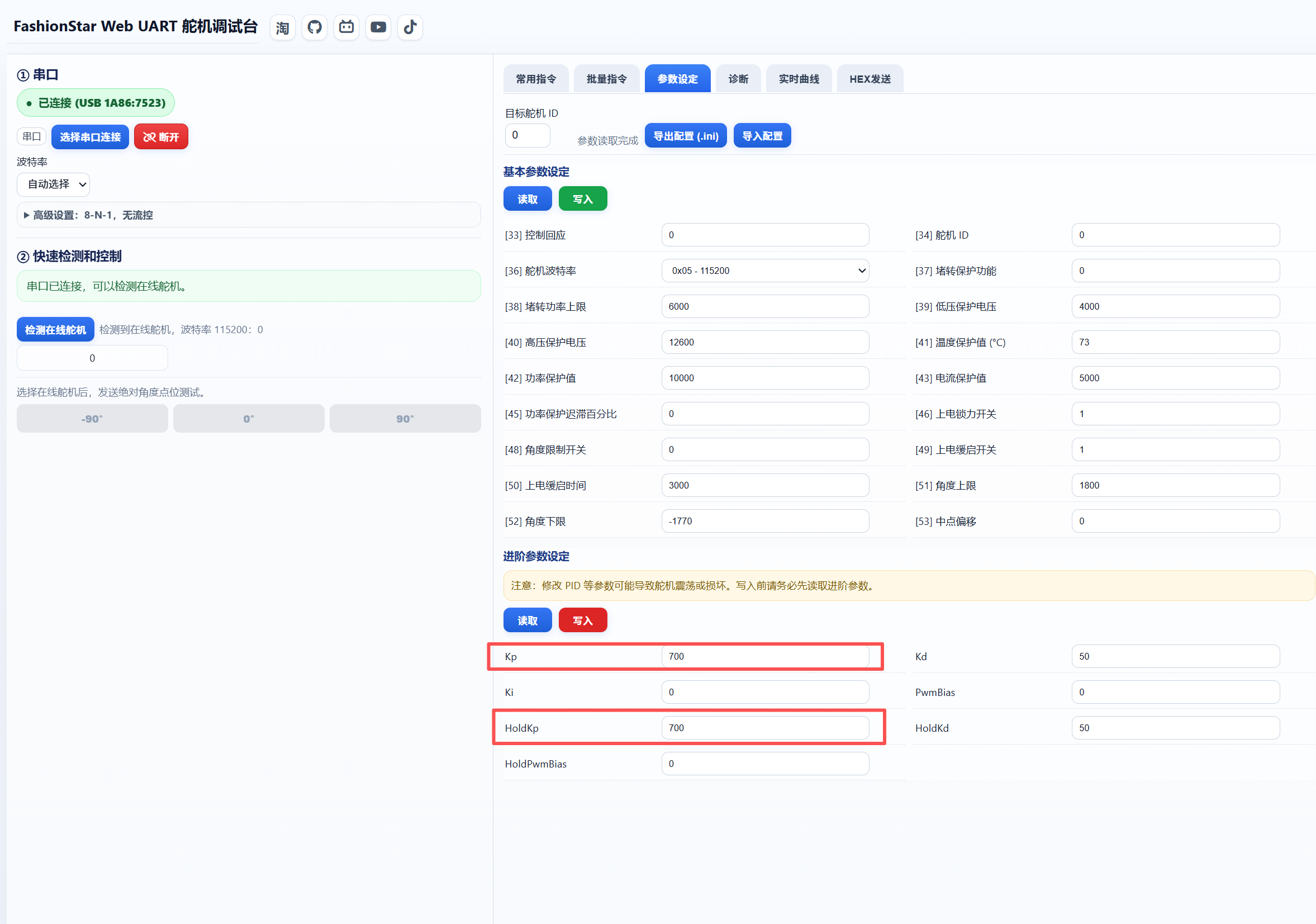
Web configuration tool (recommended)
The tool runs in a browser on Windows, macOS, or Linux and requires no installation.
UART/RS-485 bus servo web configuration tool
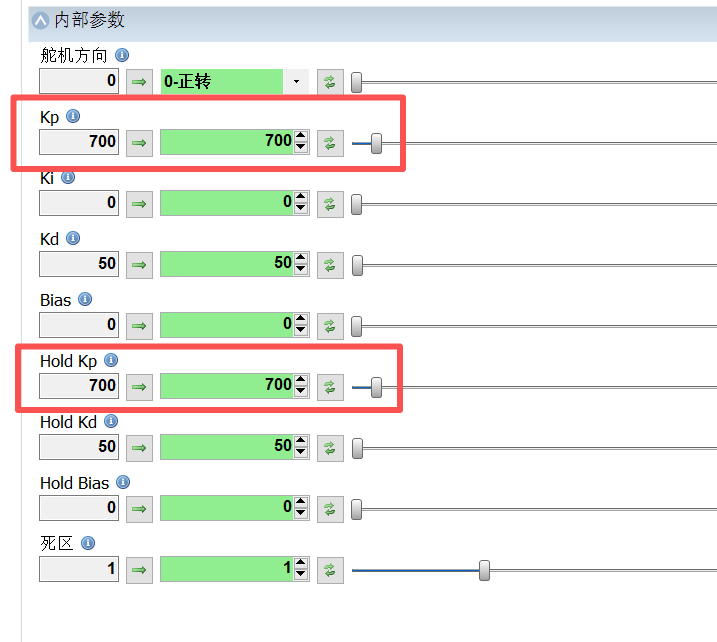
PC configuration software (full feature set)
Use the desktop software for firmware updates and other advanced features.
Windows bus servo configuration software
2. Tuning Guidelines
Note
The factory PID settings are tuned without a load and suit most applications. Fine-tune them as needed for your load.
Note
When tuning, keep Hold Kp equal to Kp and Hold Kd equal to Kd.
Tune the proportional gain (P) before the derivative gain (D). Test without a load first, then repeat with the load attached.
3. Precautions
Warning
Start configuration with the load removed. Attach the load only after you have confirmed that the servo does not oscillate violently. If you hear an unusual noise or notice excessive heat, disconnect power immediately to prevent damage to the gears and motor.
Note
Retune the gains when you change the load, for example by changing the arm length or the weight it carries.
4. Basic Tuning
4.1 Oscillation under load
If the servo oscillates under load with the factory settings, reduce Kp and Hold Kp by about 100 each. Check the motion again. If oscillation persists, continue reducing both gains until the servo is stable.
4.2 Improving positioning accuracy
Increasing Kp and Hold Kp can improve positioning accuracy, but it also makes oscillation more likely. For the best accuracy, use the highest setting at which the servo remains stable.
4.3 Before and after tuning
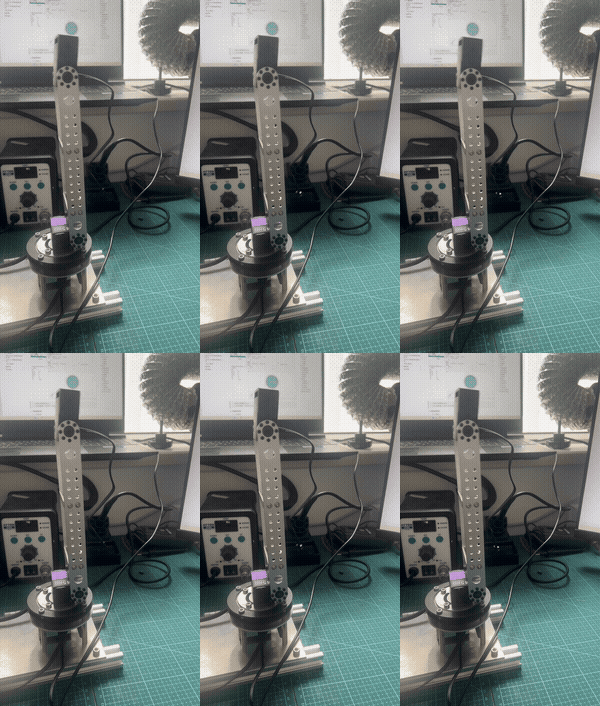
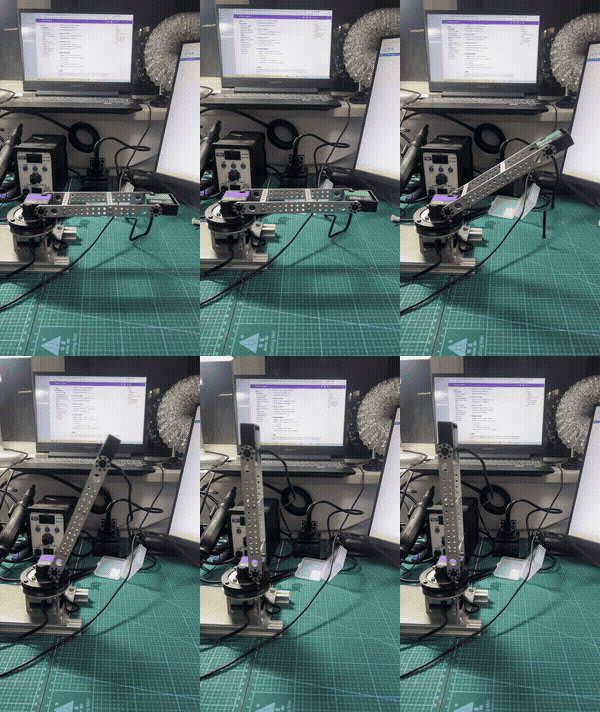
The two animations show the servo moving the same load before and after PID tuning.
4.4 Positioning accuracy limits
Important
Gear backlash limits positioning accuracy. Increasing the gains further cannot improve accuracy beyond the physical limits shown below.
| Motor type | Typical positioning accuracy |
|---|---|
| Brushless | 0.1–0.3° |
| Coreless | 0.5–0.8° |
| Iron-core | 0.8–1.2° |
Note
The servo gears have about 0.5° of backlash. Positioning error increases under load.
5. Fine-Tuning the Gains
5.1 Proportional gain (Kp)
- Set Kd and Hold Kd to 0.
- Gradually increase Kp and Hold Kp until the servo begins to oscillate slightly.
- Reduce both gains gradually until the servo is stable.
- Set the final Kp to 60–70% of the value at which oscillation began.
5.2 Derivative gain (Kd)
- Keep Kp fixed and gradually increase Kd and Hold Kd.
- If the servo begins to oscillate, gradually reduce Kd until it is stable again.
- Set the final Kd to about 30% of that stable value.
5.3 Integral gain (Ki)
Important
Leave Ki at its factory setting of 0.
6. Troubleshooting
| Symptom | What to do |
|---|---|
| The servo moves past the target (overshoot). | Decrease Kp or increase Kd. |
| The servo keeps swinging back and forth after reaching the target. | Decrease Kp and increase Kd. |
| The servo is slow to reach the target and responds weakly. | Increase Kp. |
| The servo consistently stops short of or past the target. | Check the load. The servo may already be near its positioning accuracy limit. |
| The servo vibrates at high frequency and makes a buzzing noise. | Decrease Kd. |